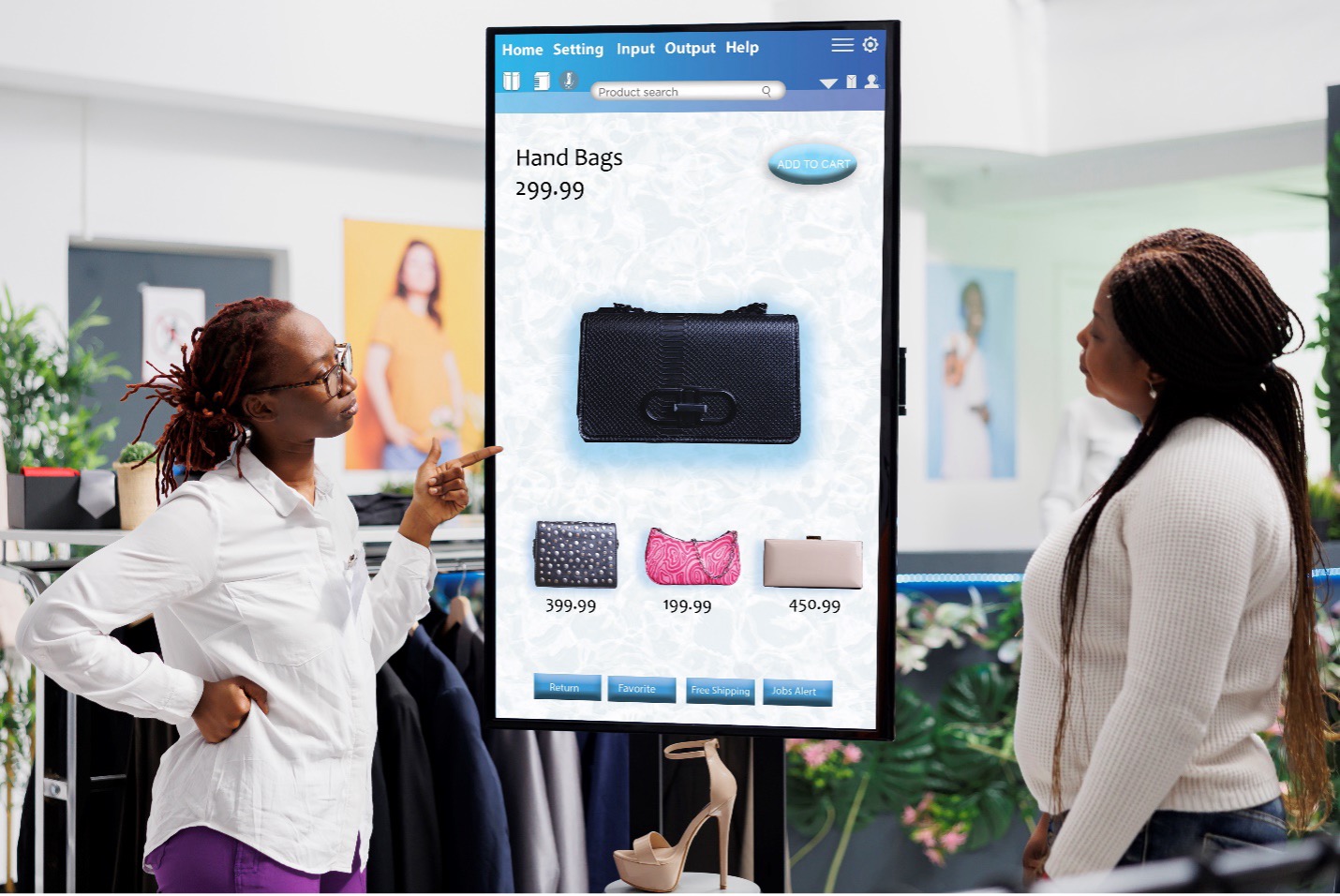
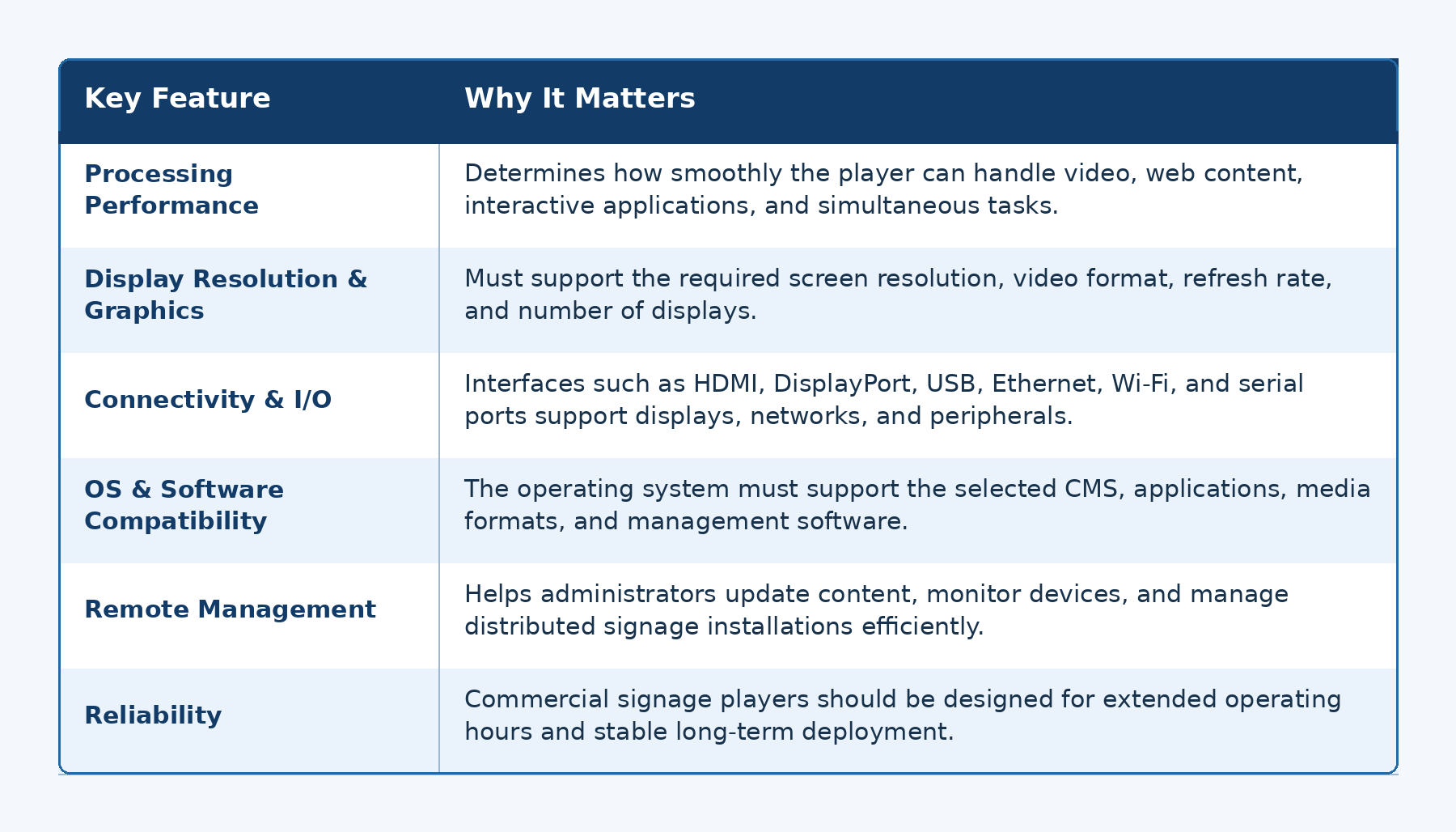
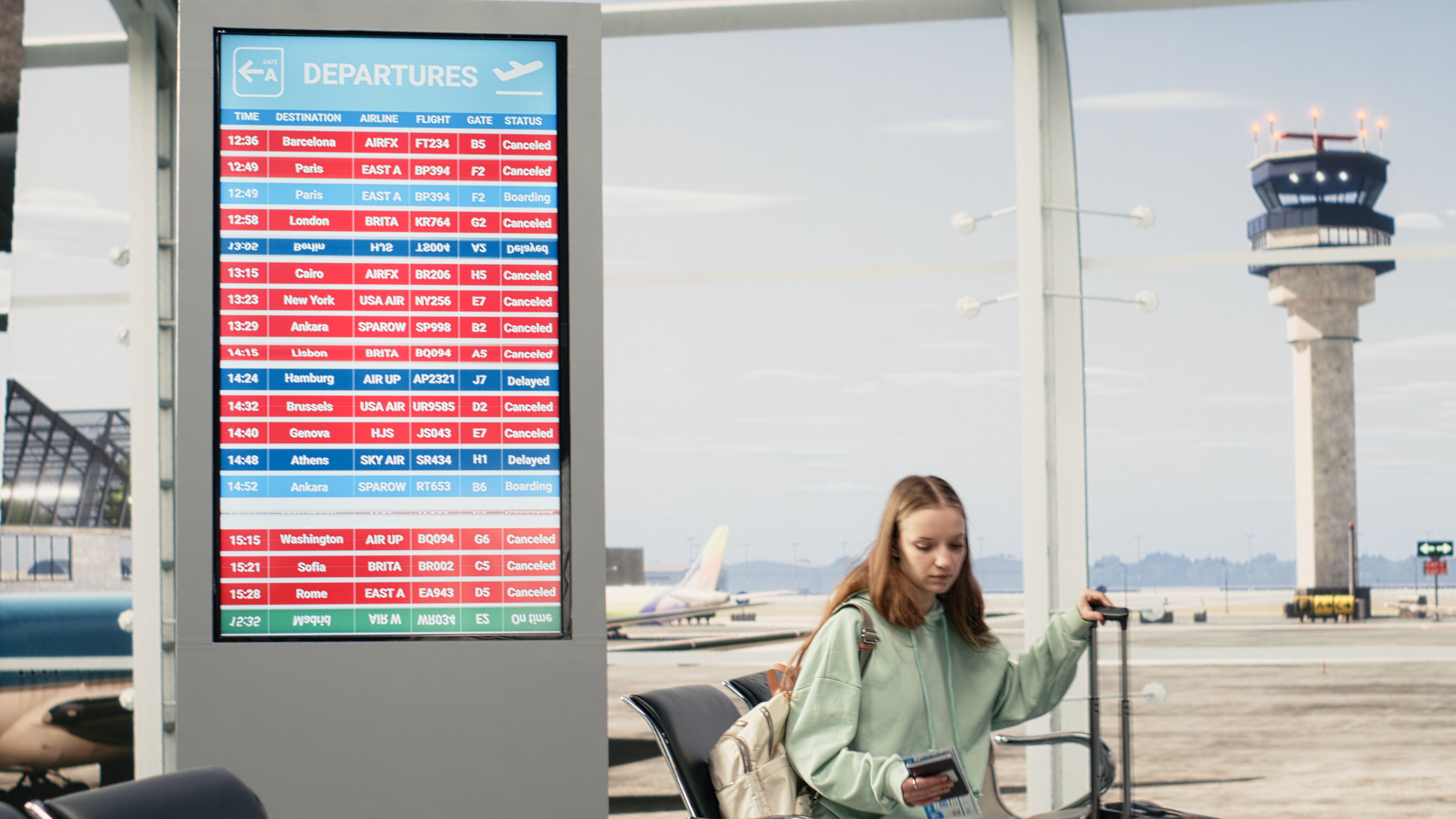
A commercial signage player should be selected according to the content it will display, the screens it must drive, and the environment in which it will operate.
Processing Performance and Graphics Capability
Processor requirements vary considerably between signage applications.
Basic image slideshows and simple Full HD video playback may require relatively modest hardware. More complex applications, such as multiple 4K video streams, interactive content, browser-based applications, analytics, or AI functions, require more computing and graphics resources.
The player should therefore be sized according to the real workload rather than simply choosing the highest available specification. Verify hardware decoding support for the required codecs, resolutions, frame rates, bitrates, and simultaneous video streams.
Display interfaces also matter. HDMI and DisplayPort support different combinations of resolution, refresh rate, bandwidth, and multi-display functions depending on the implemented specification.
The current HDMI 2.2 specification supports substantially higher bandwidth and advanced resolutions, while earlier HDMI generations already support common commercial formats such as 4K.
Connectivity and I/O
A typical signage player may require HDMI or DisplayPort for video output, Ethernet or Wi-Fi for network communication, and USB for peripherals or maintenance.
Interactive deployments may require additional connections for touchscreens, cameras, sensors, barcode readers, or other devices.
Rather than evaluating the total number of ports alone, buyers should consider whether the available interfaces match the complete signage system and its expected future expansion.
Operating System and Software Compatibility
A signage player's operating system must be compatible with the content management platform and applications that will run on it.
Common platforms may use Windows, Android, Linux, or another embedded operating system. The correct choice depends on the CMS, application environment, security requirements, development tools, and peripheral support.
OS lifecycle support is another important consideration. Commercial signage systems may remain deployed much longer than consumer devices, so software updates and long-term compatibility should be considered early in the project.
Remote Management and Scalability
Managing one player is relatively simple. Managing hundreds of players across different locations is not.
For larger deployments, remote device management can help IT teams monitor system health, update software, restart devices, troubleshoot issues, and maintain consistent configurations without physically visiting each location.
This becomes increasingly important as a digital signage network expands across stores, offices, campuses, or geographic regions.
Reliability for Continuous Operation
Many commercial displays operate throughout business hours, while applications in transportation, public spaces, hotels, or other environments may run nearly continuously.
The signage player should therefore be designed for the expected duty cycle.
Thermal management, storage durability, component selection, power stability, and enclosure design can all influence long-term reliability. Fanless systems can also be useful in installations where minimizing dust intake, operating noise, and fan maintenance is desirable.