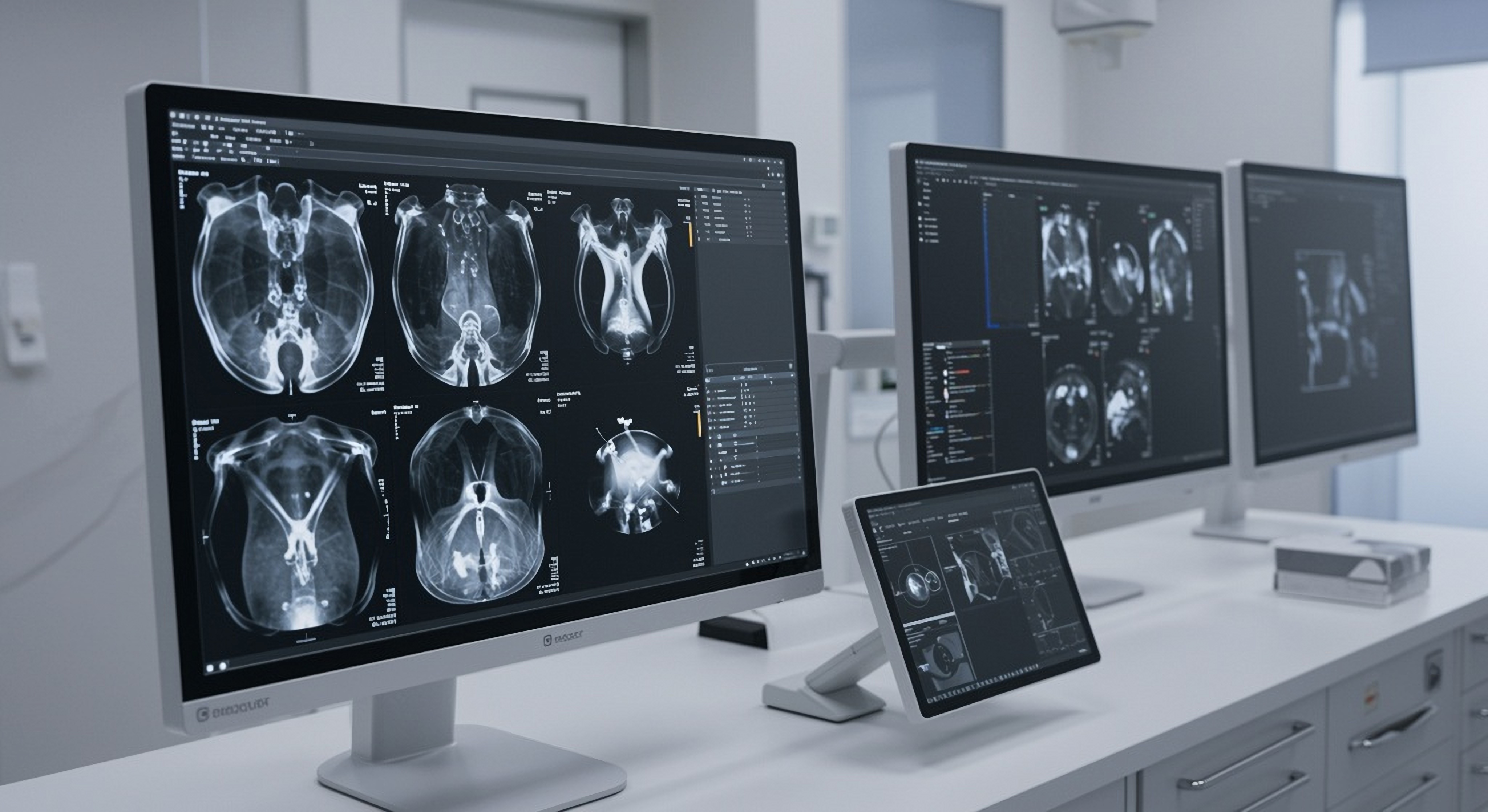
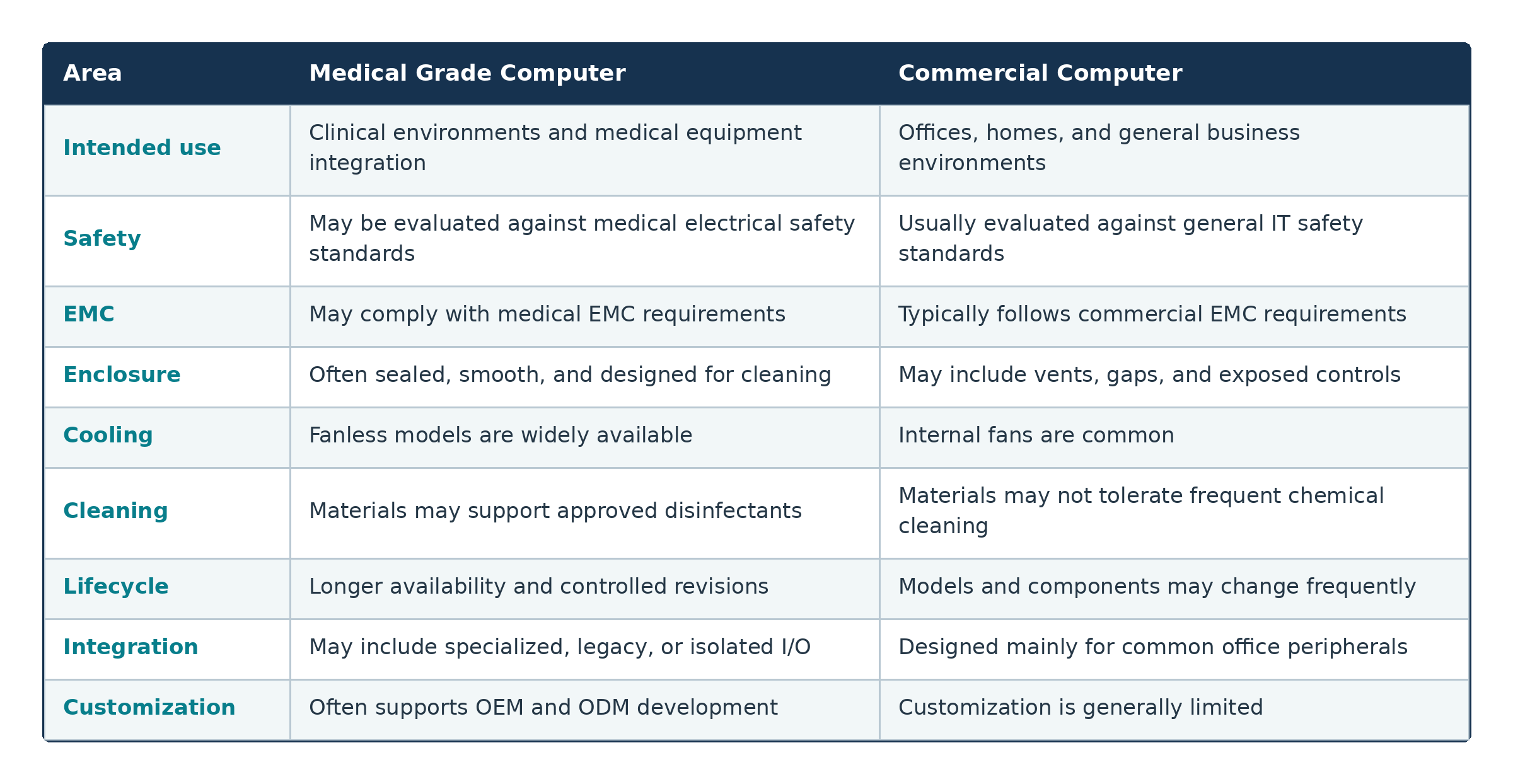
The requirements for a medical grade computer depend on its intended role. A bedside information terminal may have different safety, performance, and connectivity needs from a computer used for medical imaging or AI-assisted diagnosis.
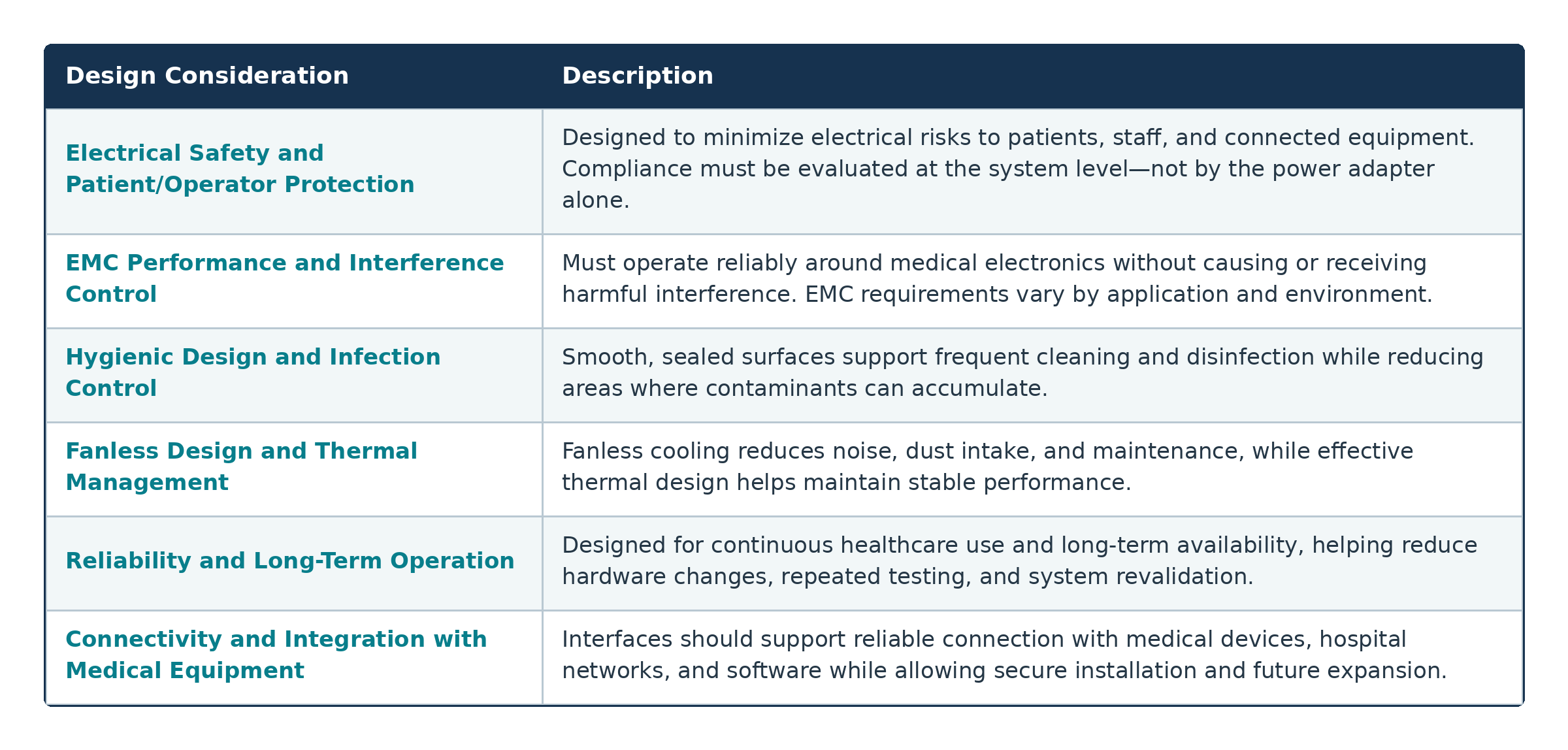
Electrical Safety and Patient/Operator Protection
Electrical safety is one of the most important distinctions between medical and commercial computing systems.
When a computer operates close to a patient or connects to medical equipment, its design may need to limit leakage current, provide appropriate insulation, and maintain safe separation between internal circuits. These measures help reduce electrical risks to patients, healthcare professionals, and connected devices.
The complete system configuration must be considered. Using a medical-certified power adapter alone does not automatically make the finished computer or medical device compliant. Peripherals, cables, power supplies, displays, and connected equipment may all influence the final safety evaluation.
EMC Performance and Interference Control
Electromagnetic compatibility, or EMC, describes a system’s ability to operate correctly without producing excessive interference or being disrupted by nearby electronics.
This is especially important in healthcare environments because interference could affect patient monitoring, medical imaging, communications, or device control.
To improve EMC performance, a medical computer may incorporate:
•Electromagnetic shielding
•Proper grounding
•Filtered connectors
•Protected power inputs
•Carefully designed circuit layouts
•Tested cable and peripheral configurations
The required EMC performance depends on the equipment’s intended use and deployment environment.
Hygienic Design and Infection Control
Medical computers are often cleaned more frequently and with stronger chemicals than standard office equipment. Their enclosures should therefore reduce the number of seams, vents, exposed screws, and recessed areas where dust or contaminants may accumulate.
An edge-to-edge front surface, sealed touch controls, and an ingress-protected front panel can make routine wipe-down cleaning easier. Enclosure materials should also tolerate approved cleaning agents without becoming brittle, discolored, or damaged.
The manufacturer should clearly identify compatible cleaning methods and disinfectants so healthcare facilities can incorporate the computer into established infection-control procedures.
Fanless Design and Thermal Management
Many medical computers use fanless cooling because internal fans draw air and dust through the enclosure. Fans also create noise and introduce an additional mechanical component that may eventually require maintenance.
A fanless design does not eliminate the need for effective thermal management. Heat pipes, metal housings, heat spreaders, thermal pads, and energy-efficient processors may be used to transfer heat away from critical components.
The appropriate thermal architecture depends on the workload. A low-power nursing terminal may be cooled passively with relative ease, while an AI-enabled imaging system may require a more advanced design.
Reliability and Long-Term Operation
Healthcare workflows often depend on continuous access to patient information and connected systems. Unexpected downtime can interrupt clinical processes, delay documentation, and increase the workload of hospital IT teams.
Medical grade computers may use industrial components, solid-state storage, watchdog timers, secure power connectors, hardware monitoring, and remote management functions to improve reliability.
Long-term platform availability is equally important. Medical device manufacturers may need to maintain the same validated system for several years. Frequent changes to processors, motherboards, or other components can lead to additional testing, software verification, documentation, and regulatory review.
Connectivity and Integration with Medical Equipment
A medical computer may need to communicate with patient monitors, diagnostic equipment, scanners, medical cameras, RFID readers, barcode systems, displays, and hospital networks.
Typical connectivity options may include USB, Ethernet, serial ports, HDMI or DisplayPort, GPIO, Wi-Fi, Bluetooth, M.2, and PCI Express expansion. Some applications may also require isolated or lockable connections.
Port selection should not be based on quantity alone. Developers should consider interface location, bandwidth, electrical characteristics, cable routing, security, and compatibility with current and future equipment.